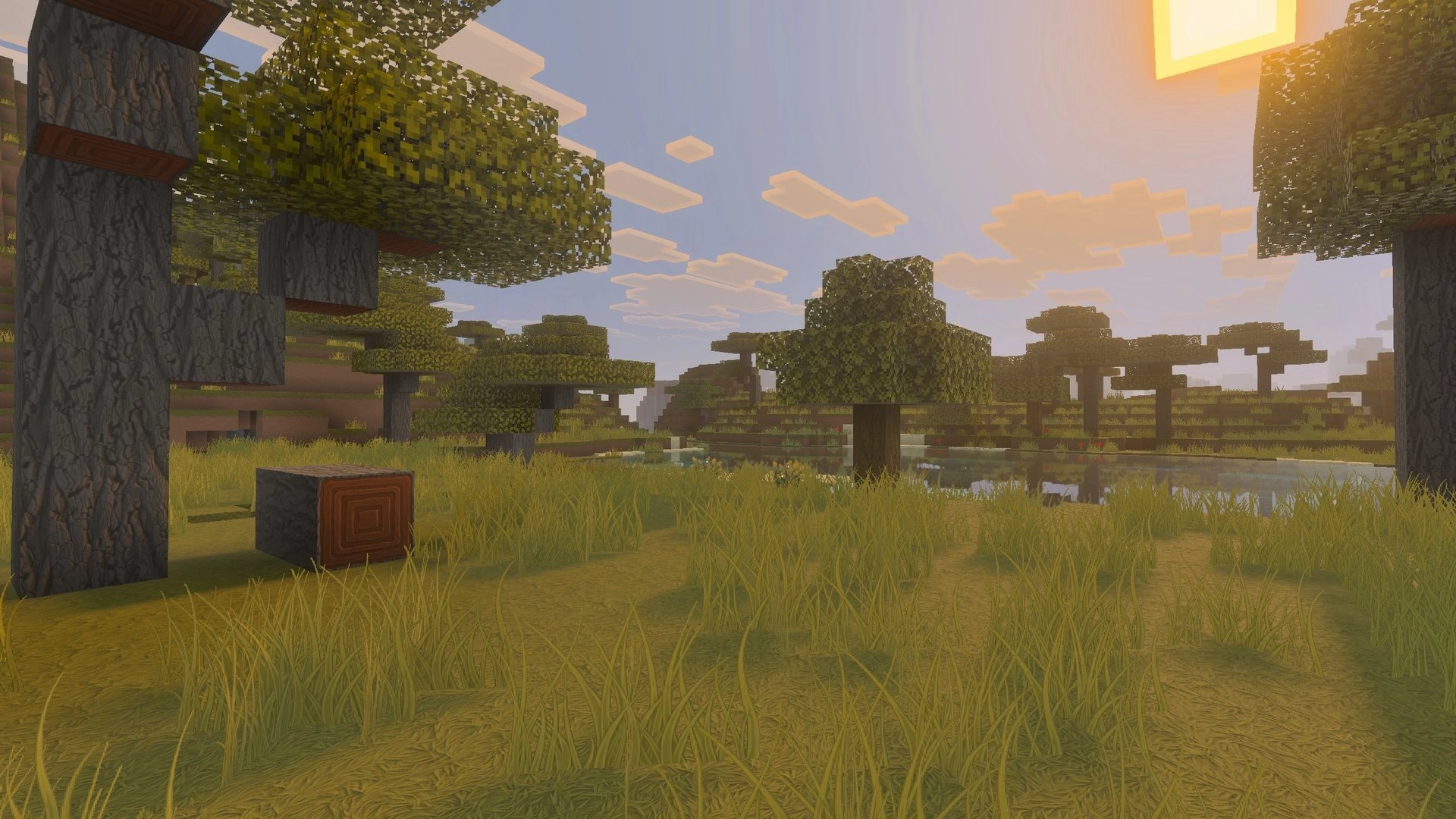
What's new?
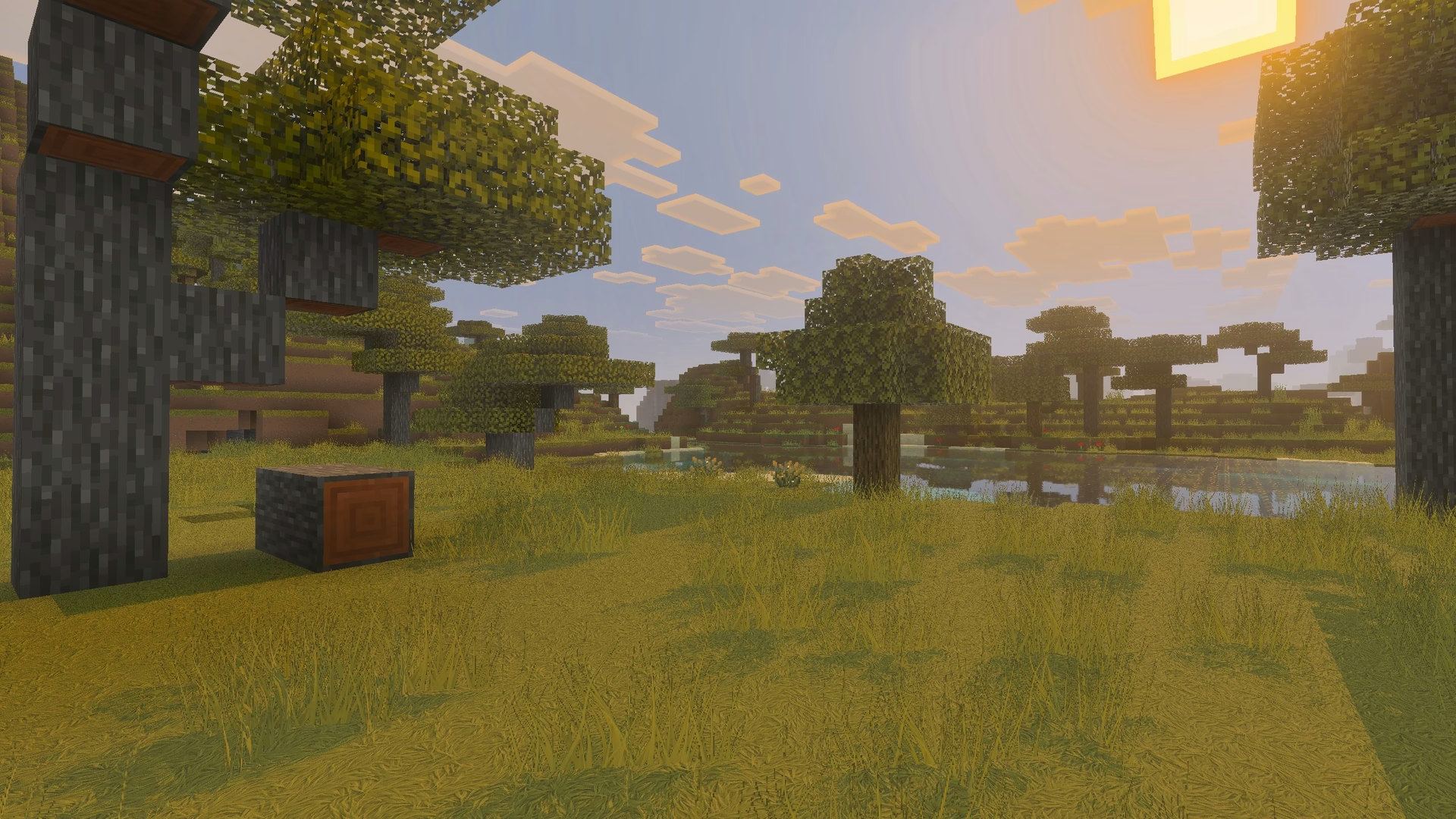
The logs and log_top textures have been added to further improve the overworld visuals.
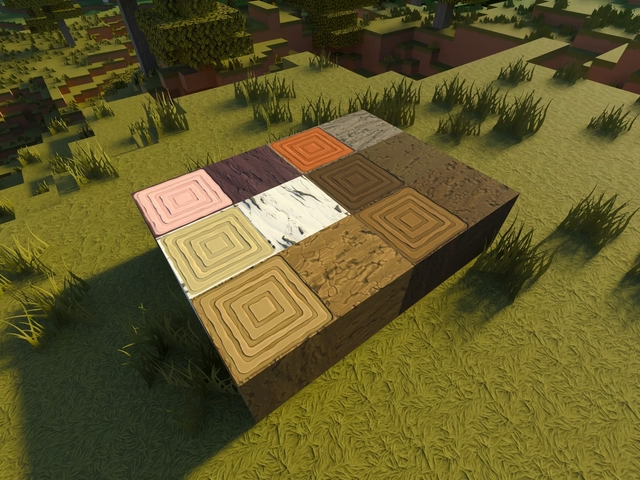
The grass carried textures have also been added, making them easier to identify in the inventory.
What changed?
All the existing textures have been updated alonside numerous fixes throughout the pack, let's go through the visual changes one by one.
Intense ambient occlusion in the textures.
I always felt that the shading on the textures was too strong. This is mainly because the Bedrock Edition of Minecraft does not support a seperate ambient occlusion map, meaning the ambient occlusion has to be baked directly into the color textures themselves. Unlike Java Edition, this also causes the shading to remain visible even under direct sunlight, which is visually incorrect.
Despite this limitation, the shading could still be improved by avoiding the use of a single ambient occlusion value accorss every texture. The main challange was finding a reliable way to determine appropriate values for each texture individually.
After a lot of testing and experimentation, I managed to find a way by converting the color textures to grayscale and using the grayscale minimum value as the maximum intensity for the ambient occlusion. This creates a dynamic occlusion intensity that adapts based on each textures color.
In the comparison below, you can clearly see how the previous shading was overly intense especially in direct sunlight and nearly identical accross all textures, which is no longer the case.
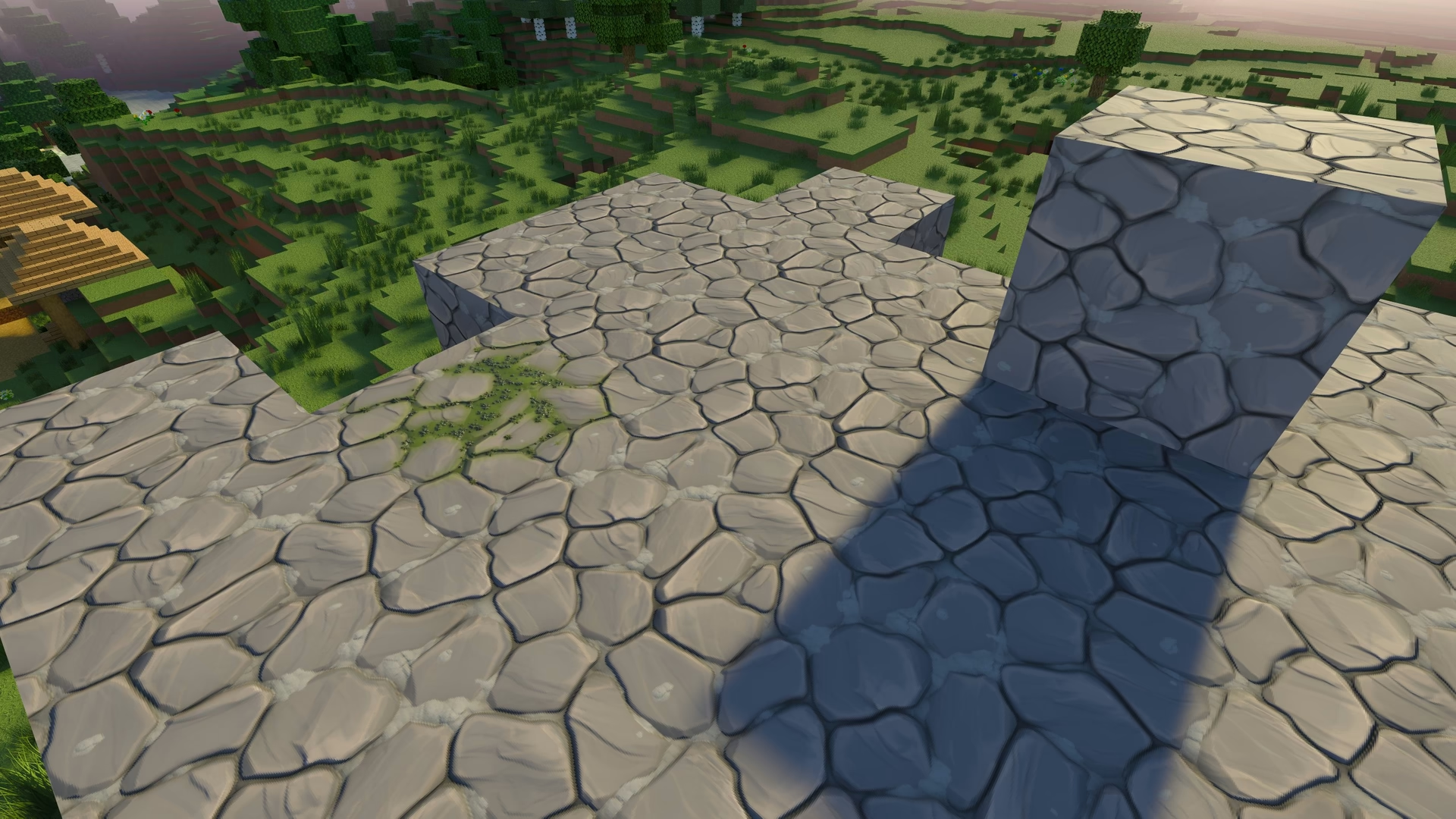
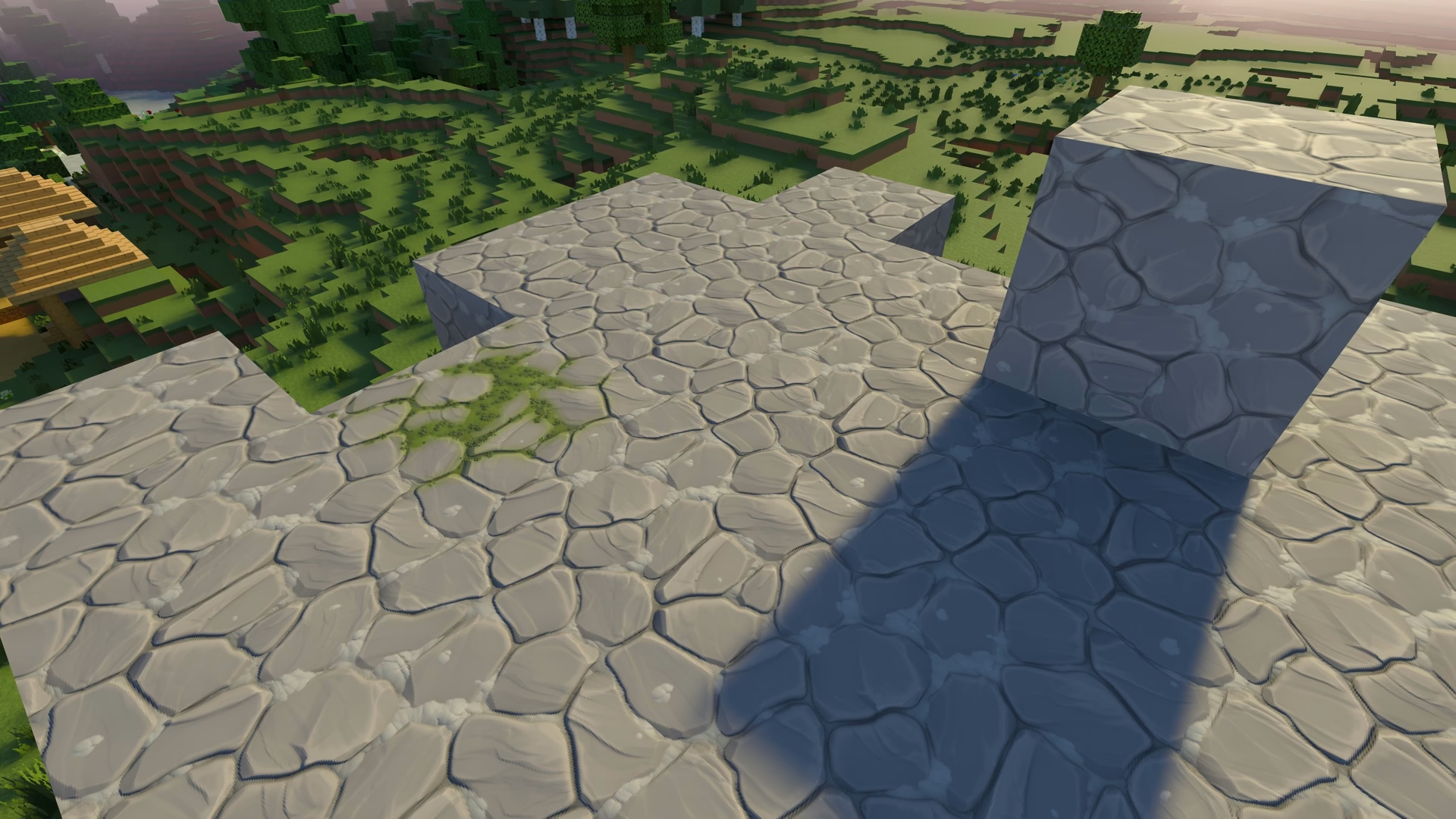
Dark edges on transprent textures.
You may have noticed the dark outlines on certain textures, most noticeably on grass and tall_grass. This happened because the transparent areas of the textures had RGB value of 0, cause the edges to darken as the pixels faded toward lower alpha values.
This issue has now been fixed by properly dilating the textures, ensuring that valid RGB color data exists even in transparent areas where the game expects it.
Additionally, the grass(short_grass/tallgrass) and tall_grass(double_plant_grass) texutes have been updated to noticeably improve the foliage density.
Both improvements can be clearly seen in the comparison below.
Textures culling fixes.
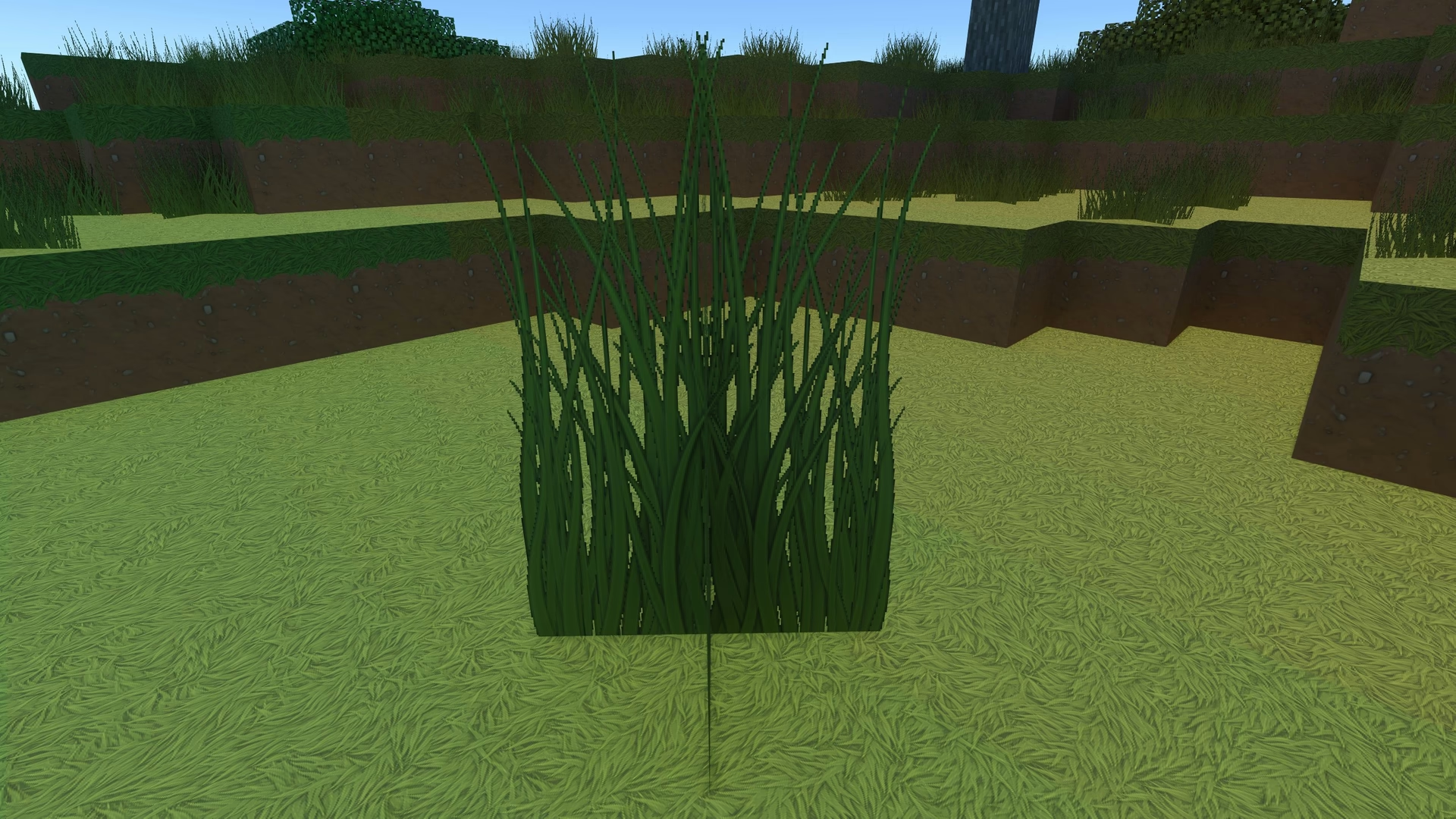
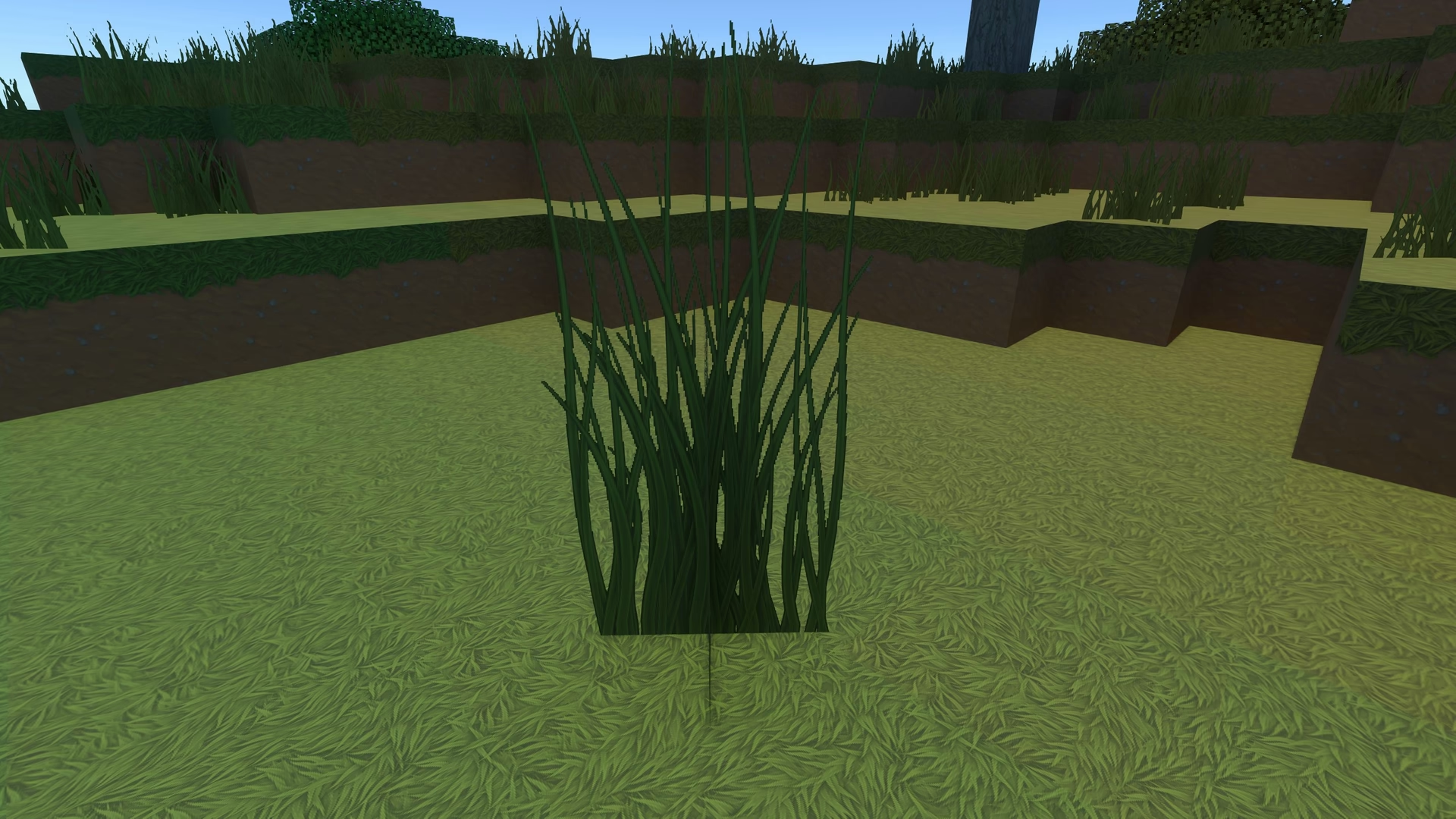
Some textures, such as grass, previously appeared doubled or mirrored because the backside was not being culled correctly.
This issue has now been addressed. However, it may still occur if the resource pack mode does not match the graphics mode currently being used. That behavior is intentional and unfortunately cannot be fixed.
Time was set to noon so the shadows aren't casted on any sides.
Shadows appearing blocky or pixelated.
The shadows in the Vibrant Visuals mode appeared blocky or pixelated, this issue has been addressed.
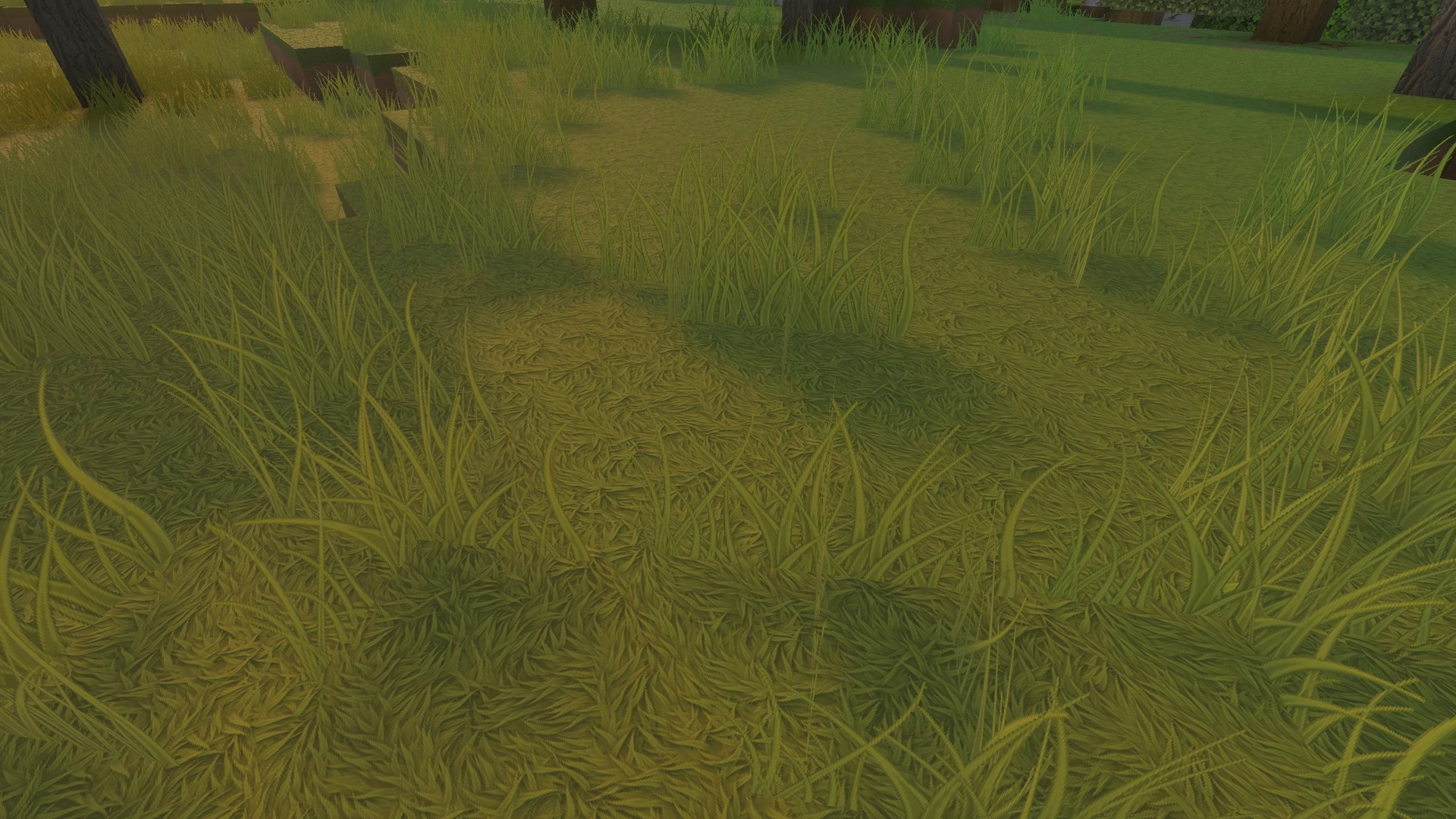
Anti-aliasing issues.
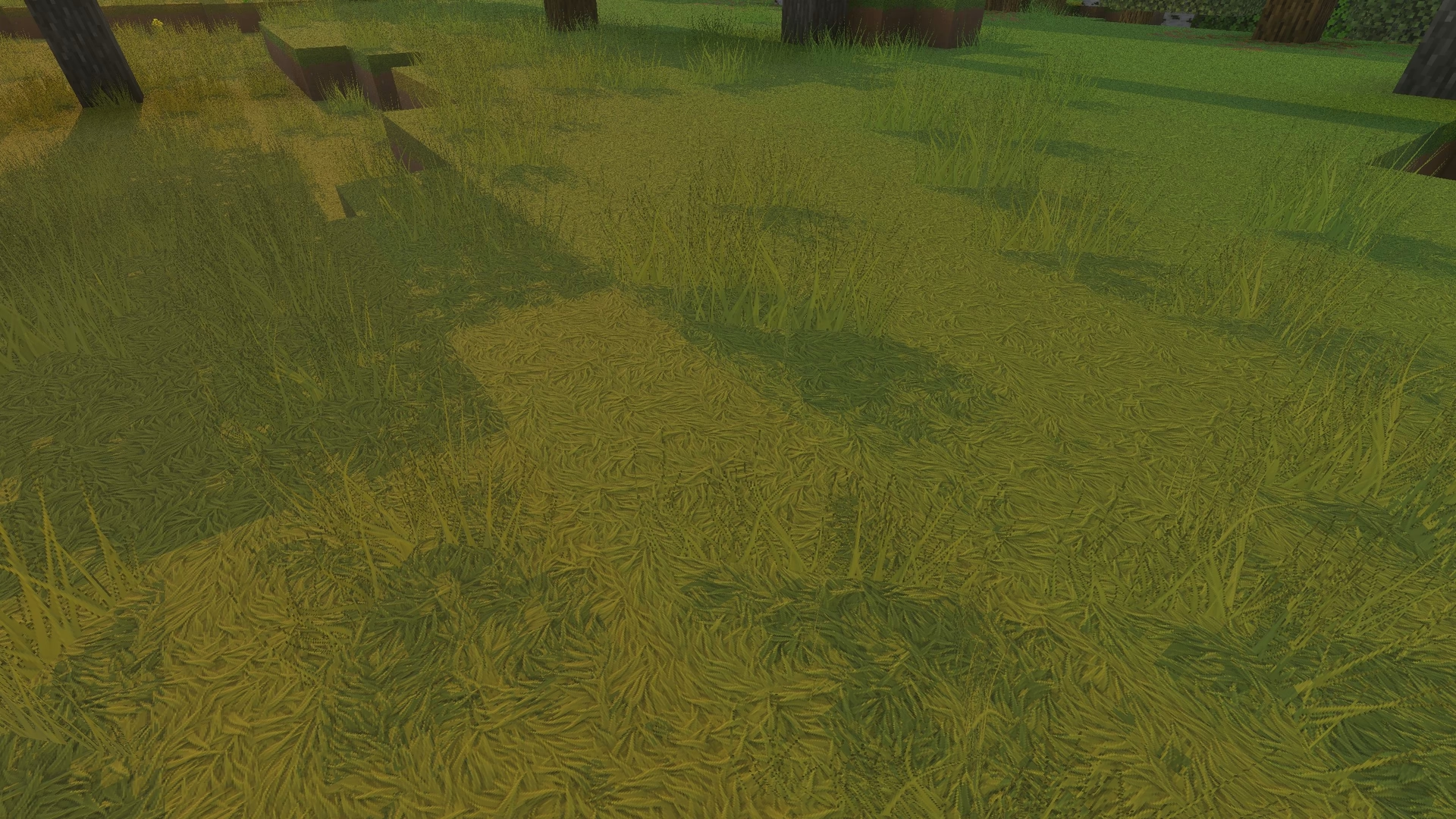
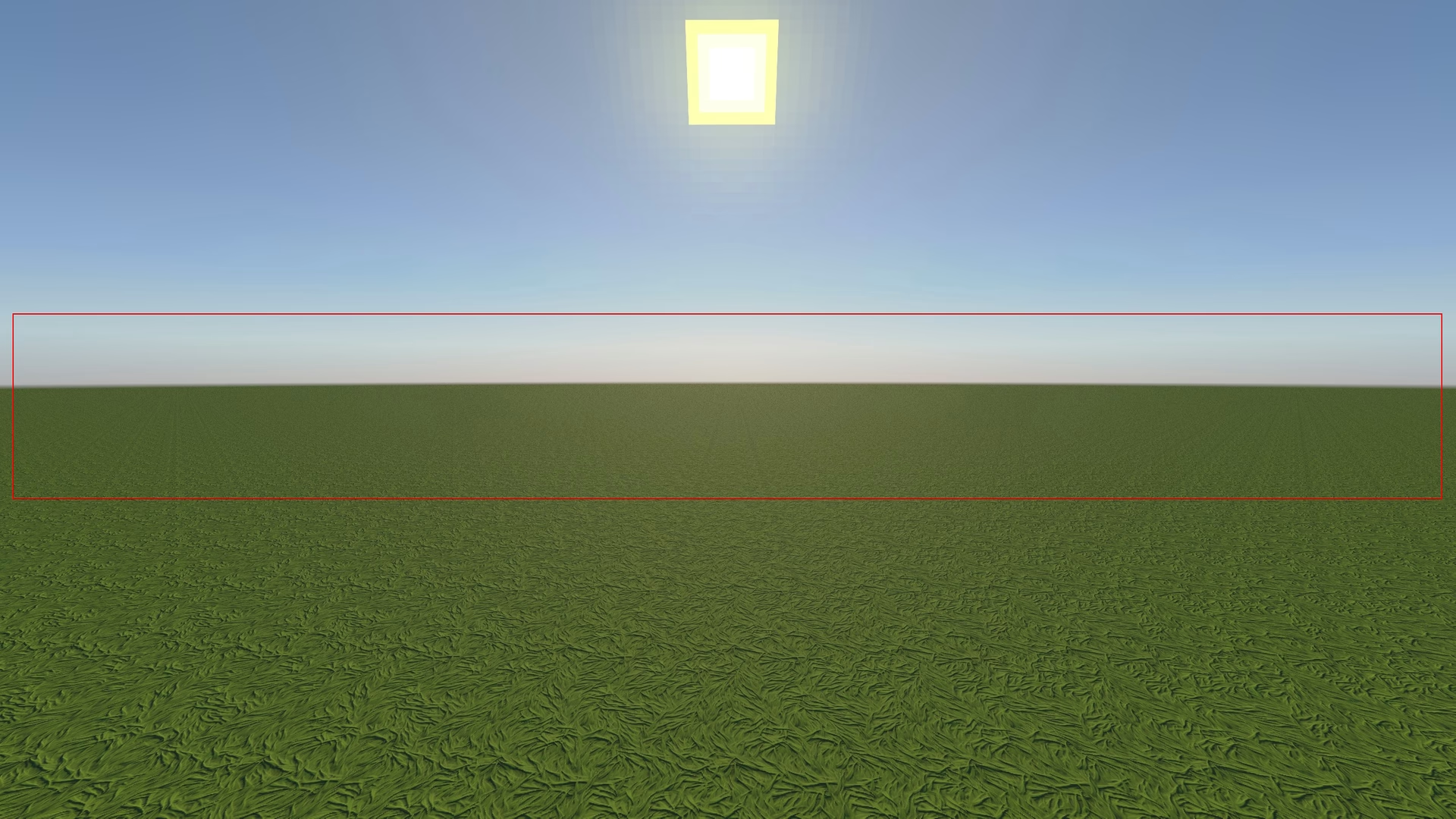
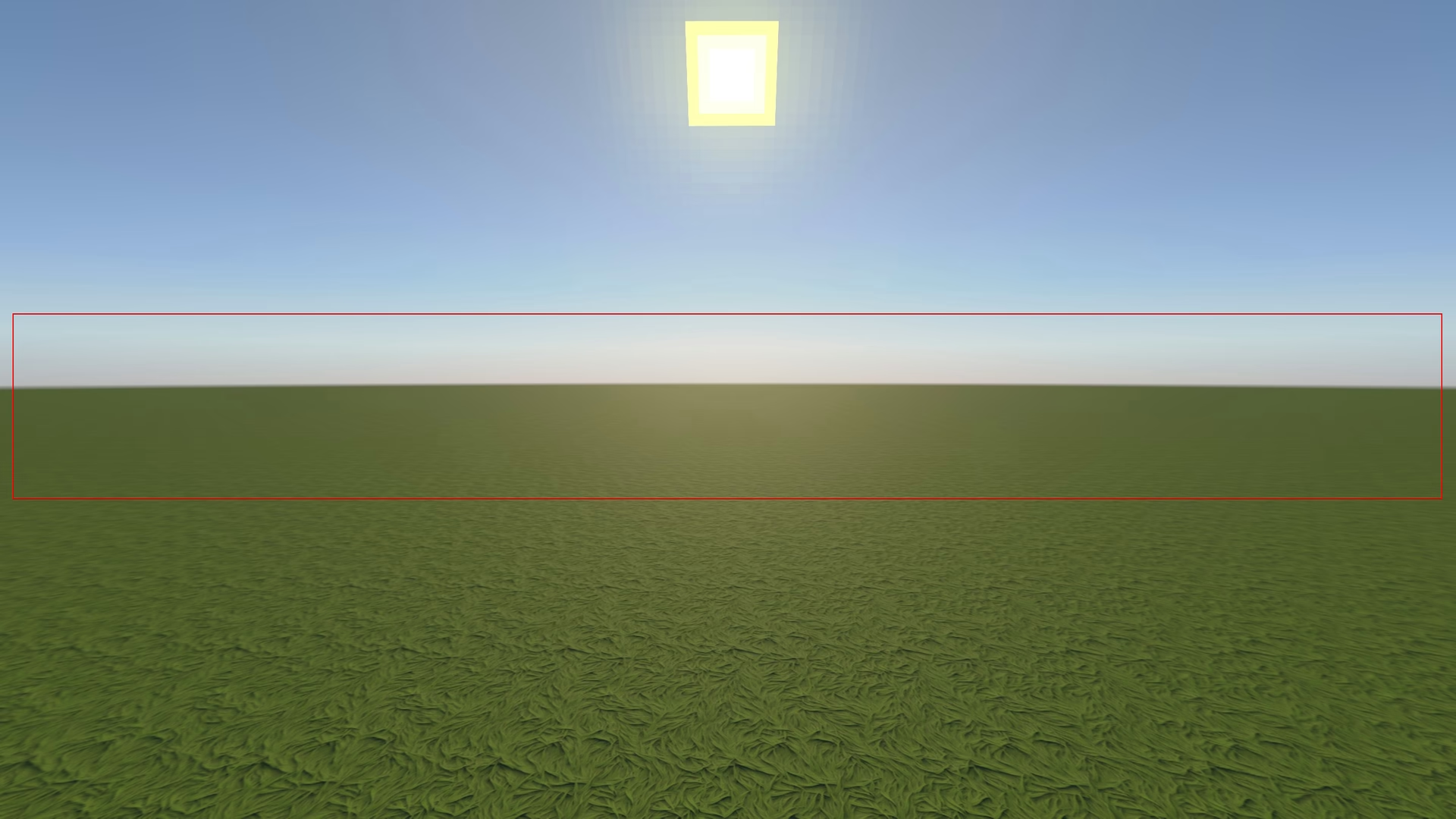
Some of you may have noticed a grainy or shimmering effect on the screen,
While investigating the issue, I found that the proper solution was to make use of mipmapping. Mipmapping works by gradually reducing texture resolution at farther distances, which helps smooth out distant visuals and reducing aliasing artificats.
In simple terms, the farther a texture is from the camera, the more lower version of that texture gets used.
I am not entirely sure weather this has any measurable performance impact, but visually the improvement is significant.
It may be hard to see the difference in the comparison below, you can always open both images in a new tab to check them side by side.
That's all for this update, I hope you will enjoy it.
~ Shivam